2.0 · Now Live
Lunova 2.0 is here.
The biggest update we've ever shipped. Over the past few months we rebuilt nearly every screen in the app — and quietly made the player underneath it tougher than ever. It's live right now on Google Play and the Amazon Appstore.

Take the tour
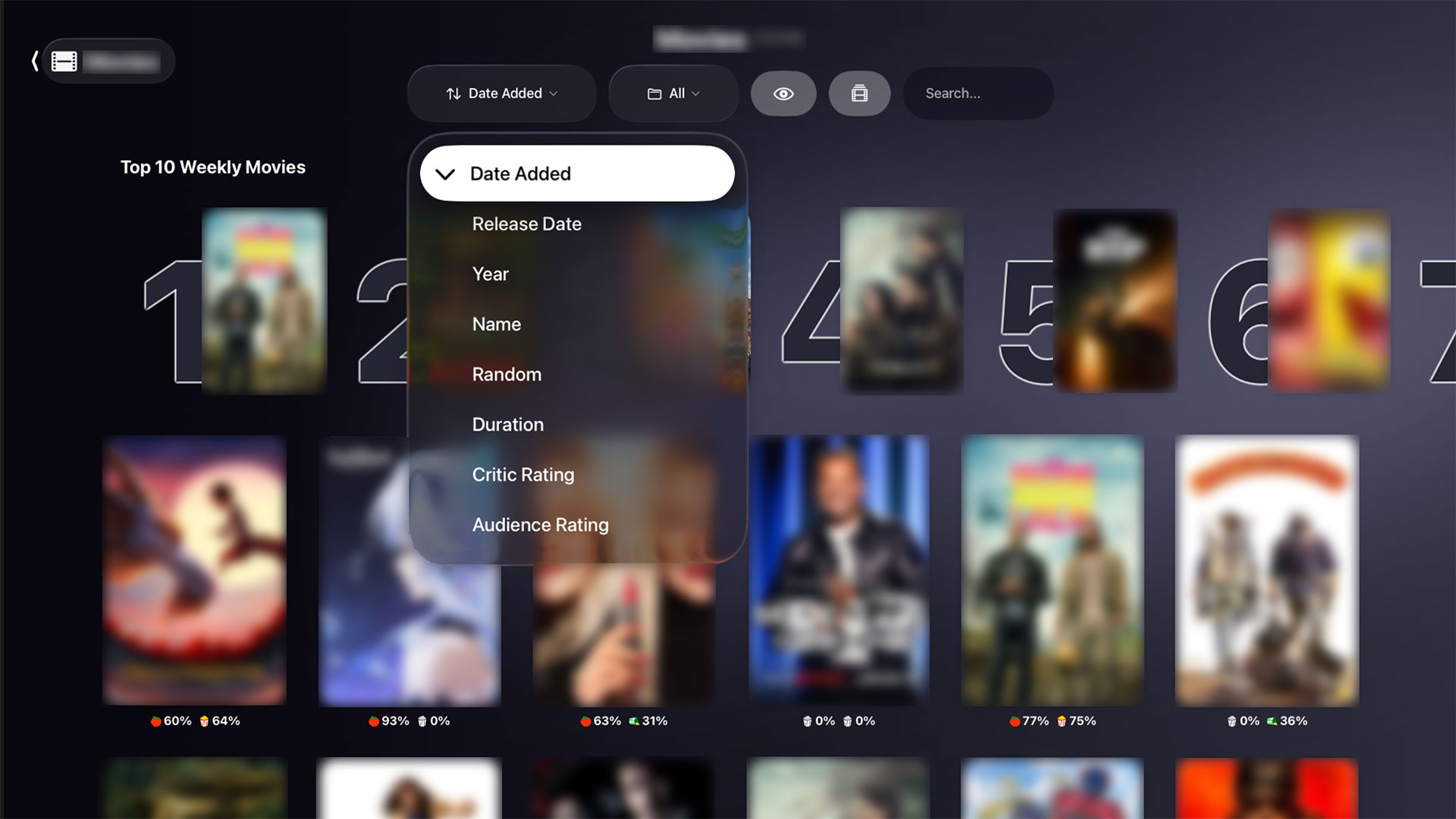
A quick look at a few of the screens that got the 2.0 treatment — tap any image to enlarge.


✨ What got rebuilt
Short version: almost everything. Here are the highlights.
🎬 A cinematic new home
The home screen now opens on a full-bleed carousel — big backdrop art with the title's logo, a short synopsis and a play button that glide in as you move between titles. It's the first thing you'll notice, and it stays smooth even on a Fire TV Stick.
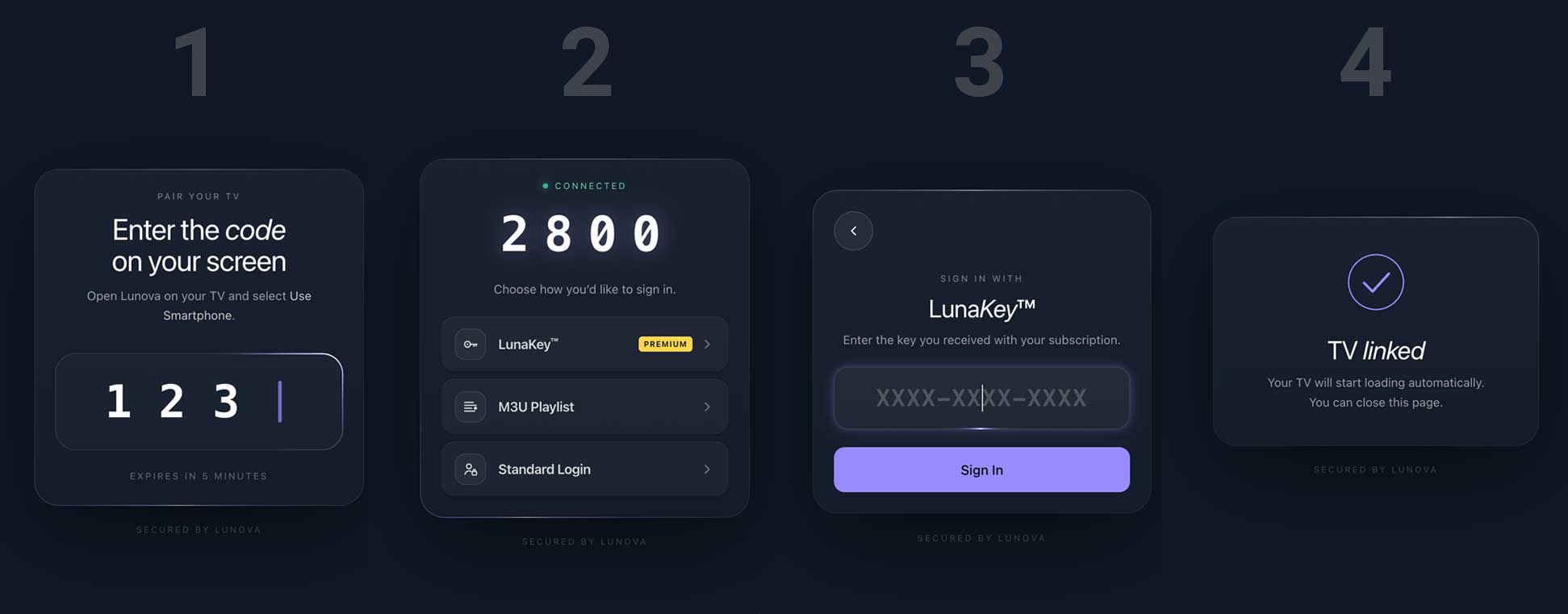
📱 Sign in straight from your phone
No more pecking out IPTV logins with a remote. Pick how you'd like to sign in from one clean hub — the easiest being a QR code you scan with your phone to log your TV in automatically.

🏈 Sports, reimagined
Sports grew from a single tab into a full destination. Follow your teams, see who's live, and dive into scores, standings, players and highlights — every surface redrawn to match our web app.

🔍 Smarter search
Search is quicker and calmer. Movies, series and cast show up in a grid that adapts from TV to phone, recent searches are a click away, and results no longer jump around while you type.
📺 A cleaner live-TV guide
The program guide got a head-to-toe refresh: a clear “on now” line, per-channel progress, and a tidy layout that's easy to read from the couch.
🎨 One consistent look
A single focus style and a unified design language now tie every screen together, so getting around the app feels predictable on any device — TV, tablet or phone.
Android phone, Android TV, Fire TV, Google TV, one install for authorized playlists and library tools.
🛡️ Why Lunova just plays
An IPTV app lives or dies by its player, so most of 2.0's invisible work went right there. Lunova now runs on two playback engines and switches between them automatically when a stream gets fussy — so more of your channels and titles simply play, first try.
- Two engines, one seamless handoff. A fast, hardware-accelerated player does the heavy lifting, with an automatic software fallback for the streams that used to stutter or fail.
- Live channels start faster. Smarter stream routing gets you to picture sooner and recovers gracefully when a feed hiccups.
- A built-in freeze watchdog. If a stream silently stalls, Lunova notices and retries instead of leaving you staring at a black screen.
- Tuned to your device. Lunova senses how powerful your hardware is and dials quality and effects up or down — buttery on a Fire Stick, crisp on a high-end TV.
- Fewer crashes, full stop. A long list of reliability fixes across login, sports and live TV means fewer interruptions and a lot more watching.
📓 See everything that changed
We kept a running changelog of every feature, fix and tweak in 2.0 — tagged and dated, both inside the app and on the web. Want the full story?
📲 Get Lunova 2.0
Update from your store, or grab it fresh — it's free to download on every platform.