
Release Notes
The newest Lunova Player update, v1.1.37 1.1.38, delivers meaningful power-user upgrades while keeping
the app lean and lightning fast — under 20 MB! You’ll now find
VLC as an external player option, smarter Live TV sorting, new controls, search improvements, and
major playback fixes.
VLC as an External Player
Lunova now gives you the flexibility to choose VLC for playback. Perfect for those who love its precision, custom audio handling, and advanced features — without adding weight to the core app.
- Switch to VLC for formats or streams that need its engine.
- Ideal for power users wanting VLC’s decoder options and tweaks.
- The core Lunova app remains minimal and focused.
🚀 New in Version 1.1.37 1.1.38
Live TV Enhancements
- 📺 Live TV sortingNew — organize channels your way for quicker access.
- 🕒 Recent channelsNew — jump right back to what you were watching.
Controls & Navigation
- ➕ Added VLC as external playerNew
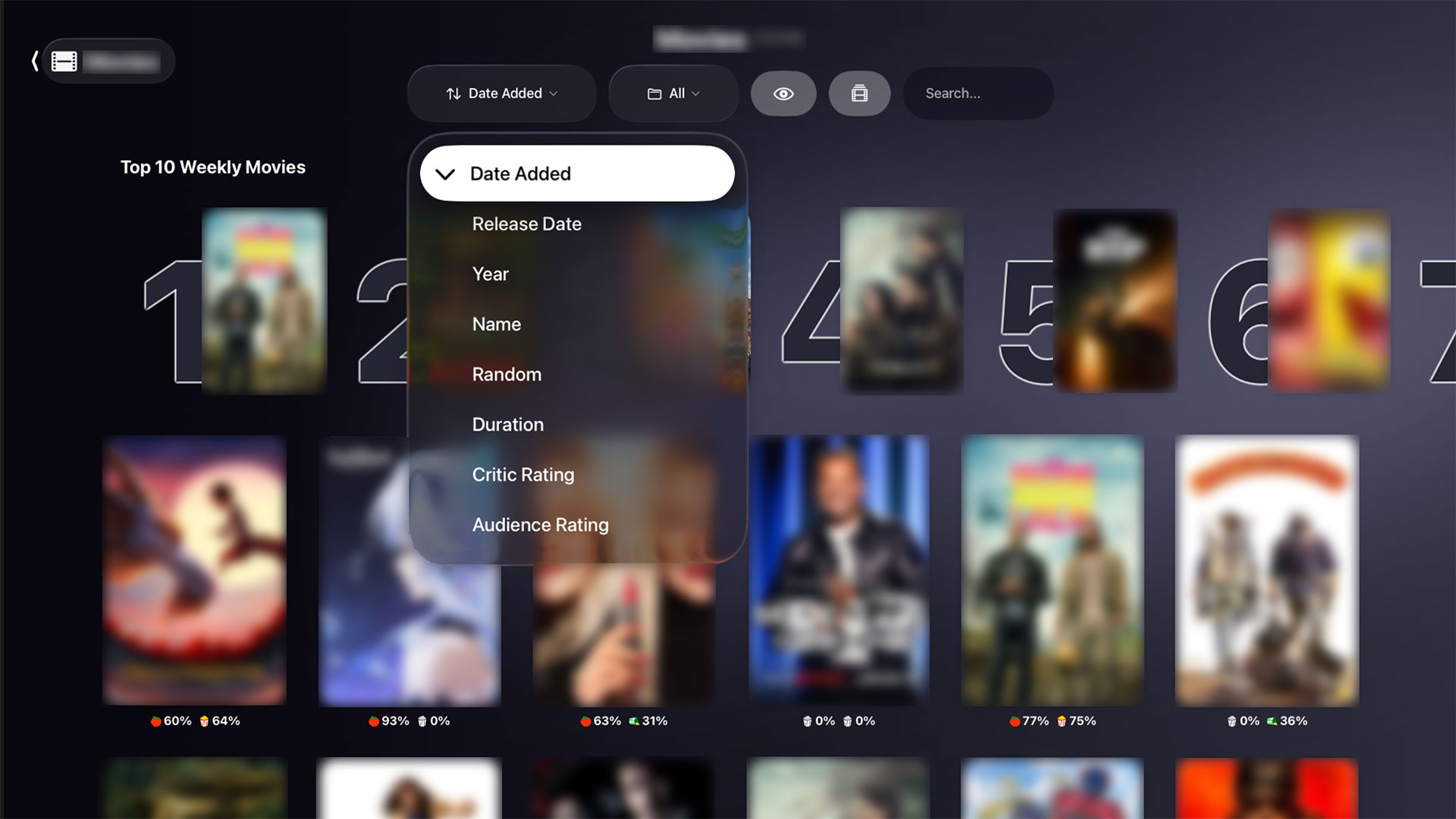
- 🔍 Search on Movies/Series pageNew — find titles instantly.
- 🚪 Logout buttonNew — simpler account switching.
- ❌ Exit buttonNew — close the app from any screen.
- ↩️ Double-press Back to exitNew — no more accidental app closes.
Fixes & Performance Upgrades
- ✅ Fixed Dolby audio and 4K support — smoother premium playback.
- ✅ Fixed special characters in search — titles with accents/symbols now index properly.
- ✅ Fixed mobile leanback list bug — consistent behavior on phones and tablets.
- ✅ Fixed AR — cleaner aspect ratio and alignment.
Recent Fixes in 1.1.38
- ✅ Fixed a Search bug in the Movies/Series page
- ✅ Fixed Leanback issue when passing 100 items
💡 Why It Matters
- Choice: Play your way — use Lunova’s native engine or VLC.
- Speed: Still under 20 MB for ultra-fast installs and updates.
- Control: Better Live TV tools and refined exit/logout flows.
- Quality: Dolby and 4K fixes deliver a truer cinematic experience.
Update to Lunova Player v1.1.37 1.1.38 today and experience a lightweight, feature-rich streaming
player that does more with less — from VLC integration to search and stability improvements, it’s the most refined
Lunova yet.