Updates, guides, and dispatches from the Lunova team.
Release notes, setup guides, and the occasional deep dive from our side.
Lunova 2.0 is here
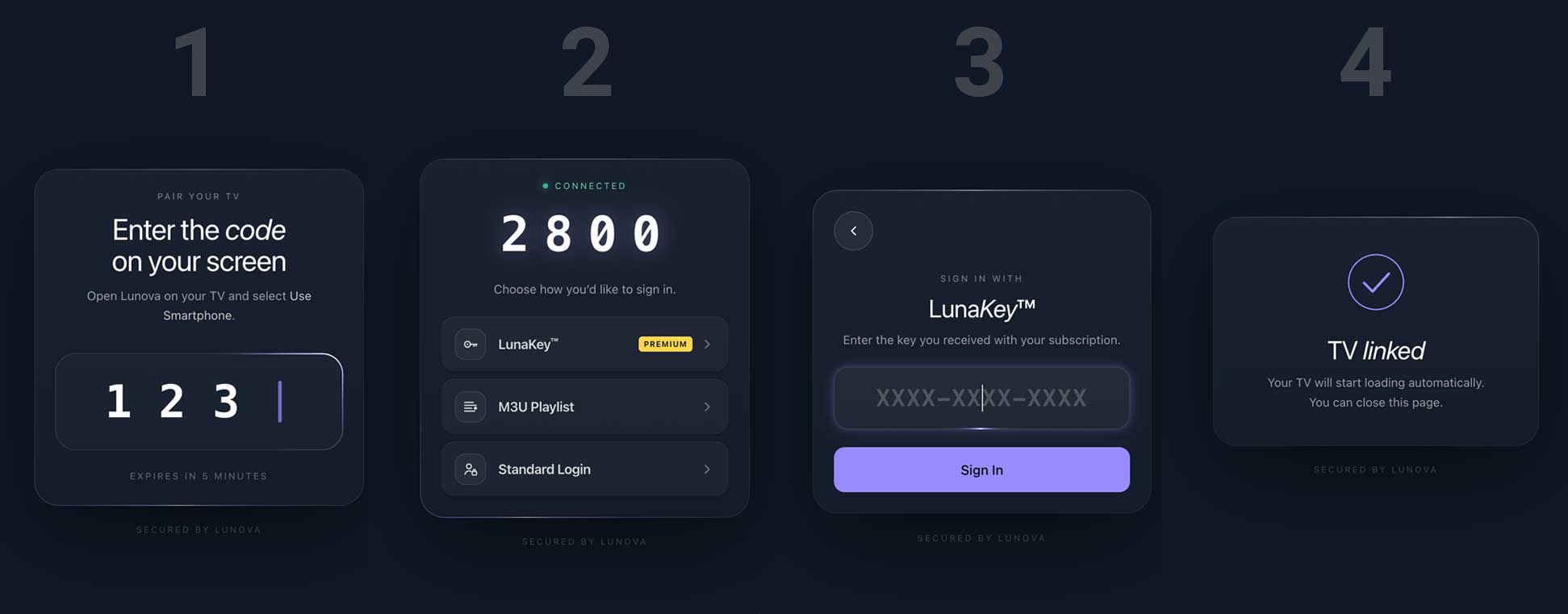
Lunova 2.0 has launched. We rebuilt nearly every screen - home, login, sports, search, EPG and media detail - and made the player underneath tougher than ever. Now on Google Play and the Amazon Appstore.
Recent
Lunova Player is now live on the Apple App Store
Lunova Player is now live on the Apple App Store. Experience a fast, modern, and beautifully crafted streaming player built natively for iOS and iPadOS.
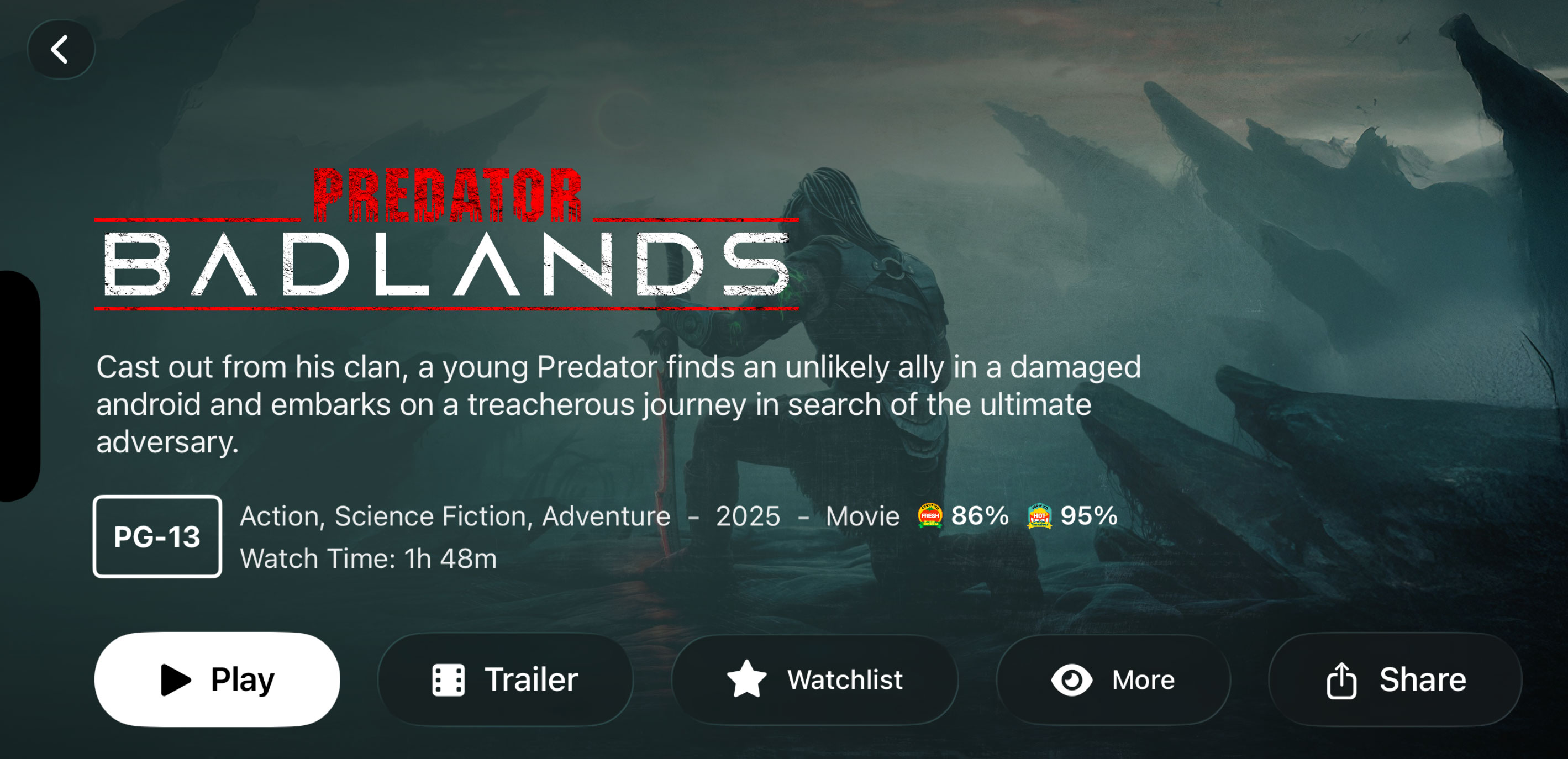
Share What You Love, Movie & Series Sharing Comes to Lunova
Lunova now lets you share movies and series directly from the app on Android and iOS. Send links via iMessage, Telegram, Messenger, Twitter, or copy a link instantly.
Never Miss a Moment: Catch-Up TV Is coming to Lunova
Catch-Up TV is coming to Lunova. Restart shows, replay missed programs, and jump back to live TV — no recordings, no setup, no stress.
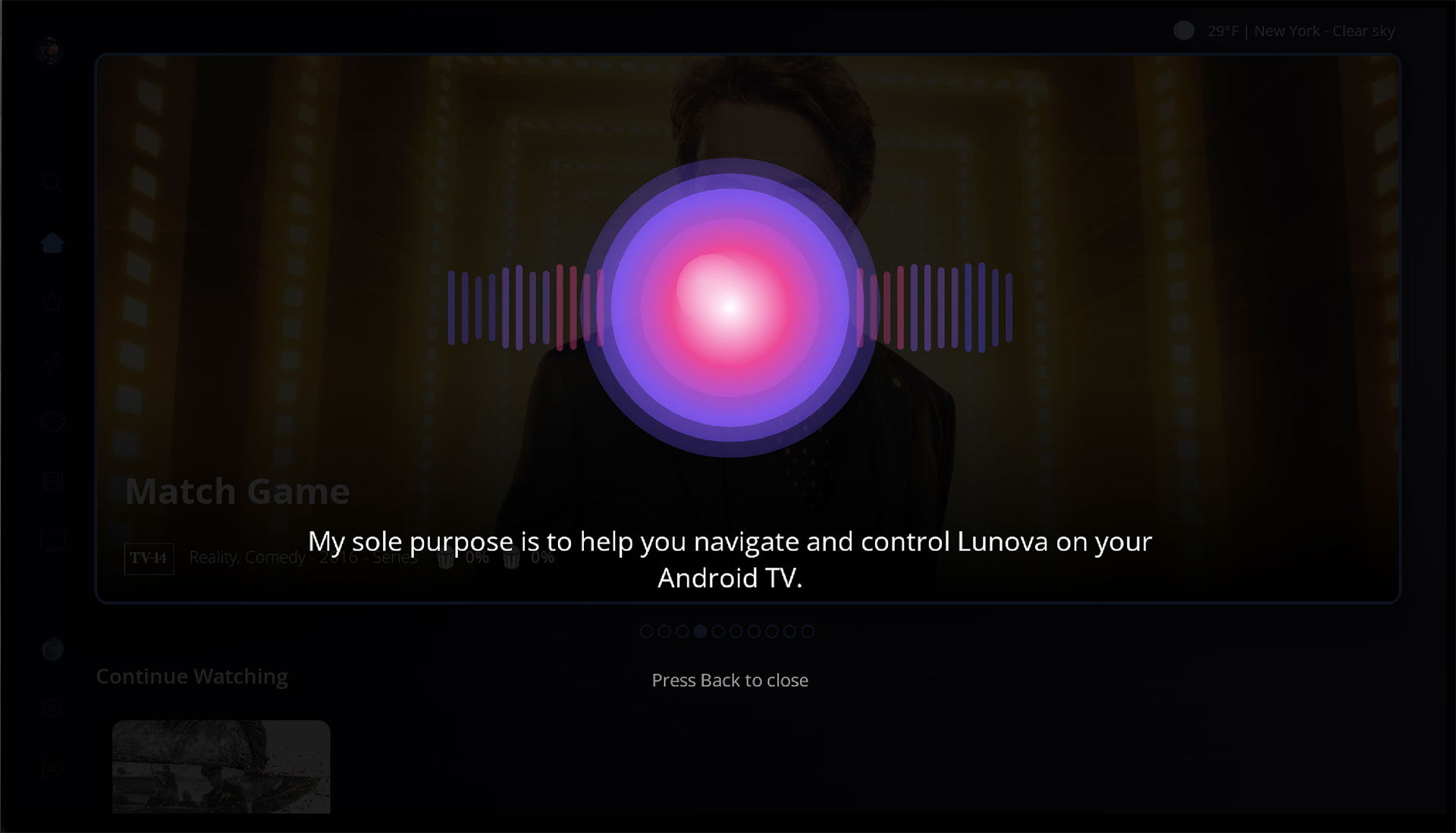
Something is brewing
beep boop 10101111010
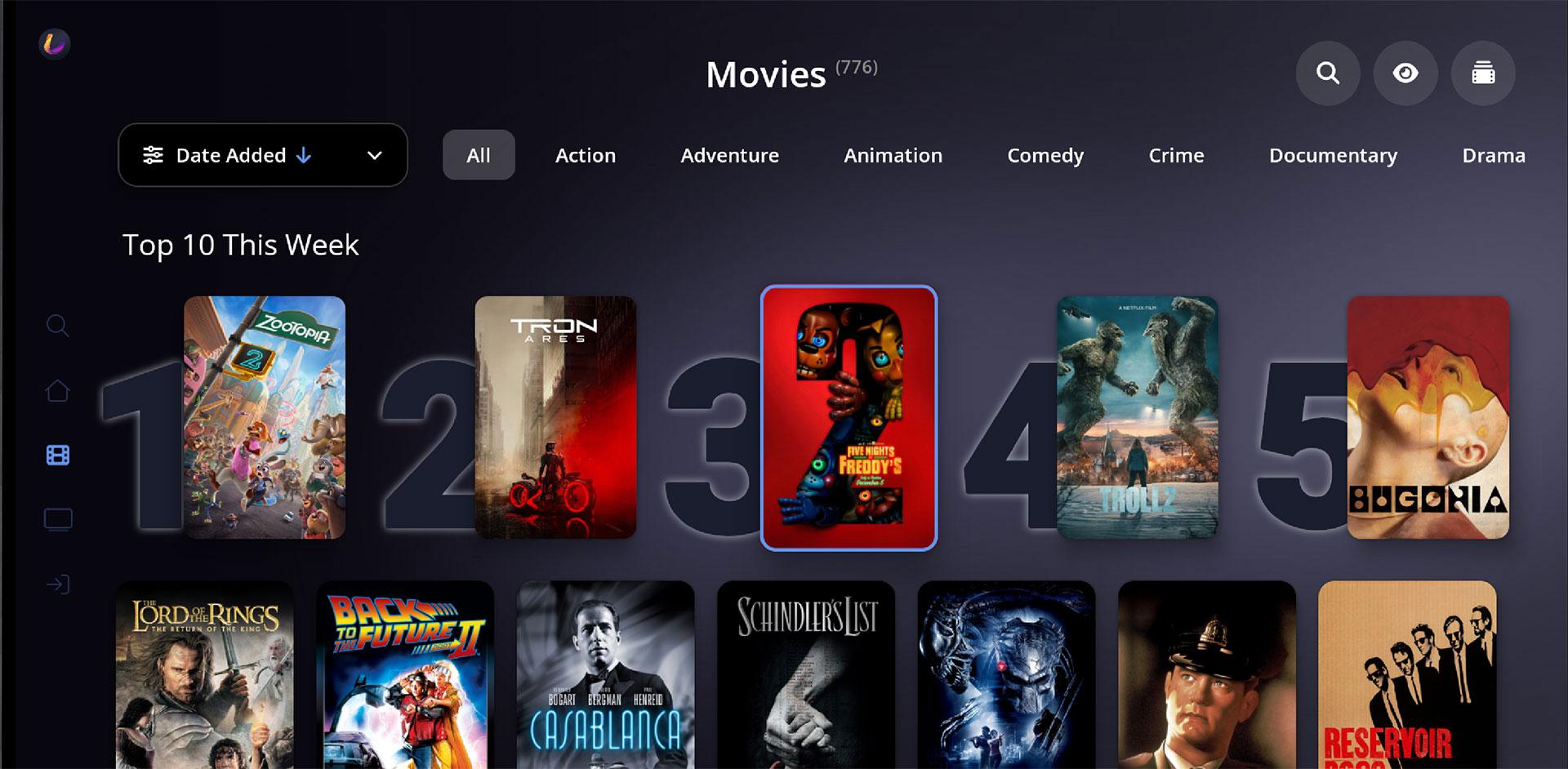
Version 1.1.58 released
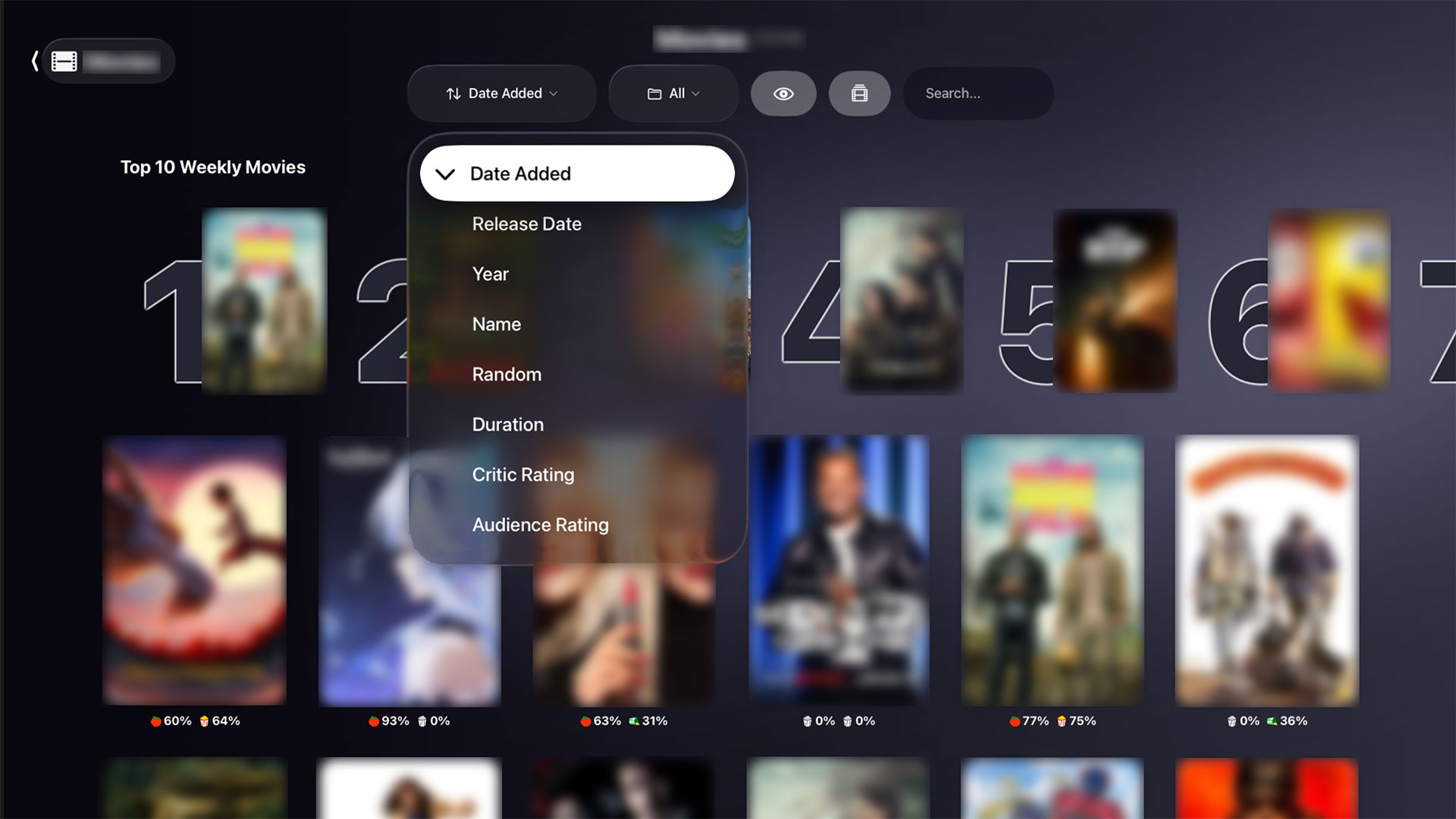
Player v1.1.58 for Android adds Multi-Playlist support, Top 10 rows, movie collections, cast details, watched history, premium shared access, subtitle fixes, and more.
Lunova Player v1.1.48 Massive Amazon Fire Device Expansion with SDK 25
With the release of Lunova Player v1.1.48, we’ve made one of our most important infrastructure improvements to date: Lunova now officially supports minimum Android SDK 25 (Android 7.1).
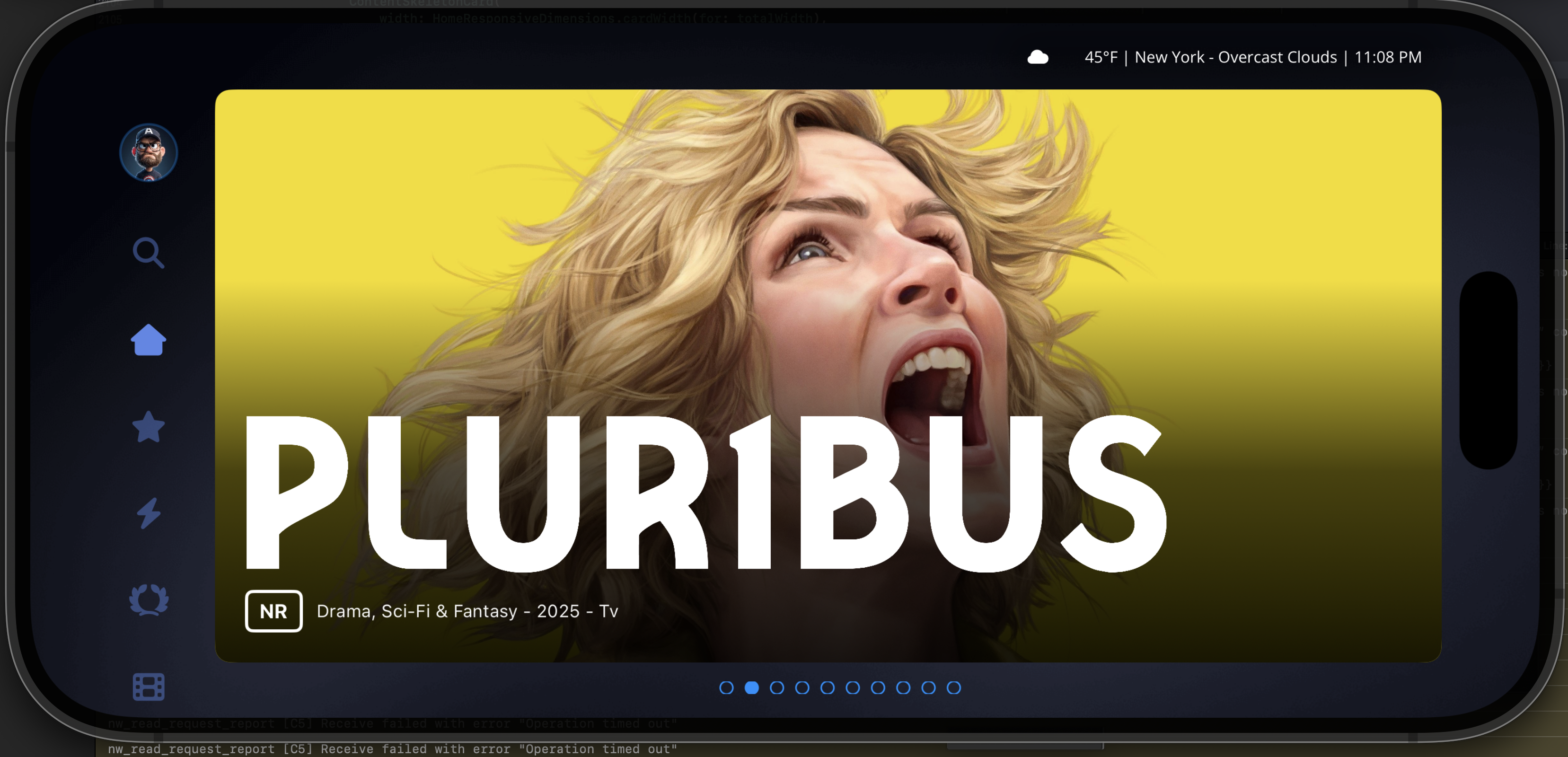
Lunova Player app is coming to iOS and tvOS
We’re excited to announce that the Lunova Player app for iPhone, iPad, and Apple TV (tvOS) is now 80% complete and entering final development before app store submission.
Lunova Nightly Builds, Test Upcoming Features Before Anyone Else
We’re opening access to Lunova Daily Builds, a live testing program where users can try the latest experimental features before they hit the Google Play Store or Amazon Appstore.

Lunova Player v1.1.37 VLC Support, Smarter Live TV & Still Under 20 MB
The newest Lunova Player update, v1.1.37, delivers meaningful power-user upgrades while keeping the app lean and lightning fast — under 20 MB! You’ll now find VLC as an external player option, smarter Live TV sorting, new controls, search improvements, and major playback fixes.
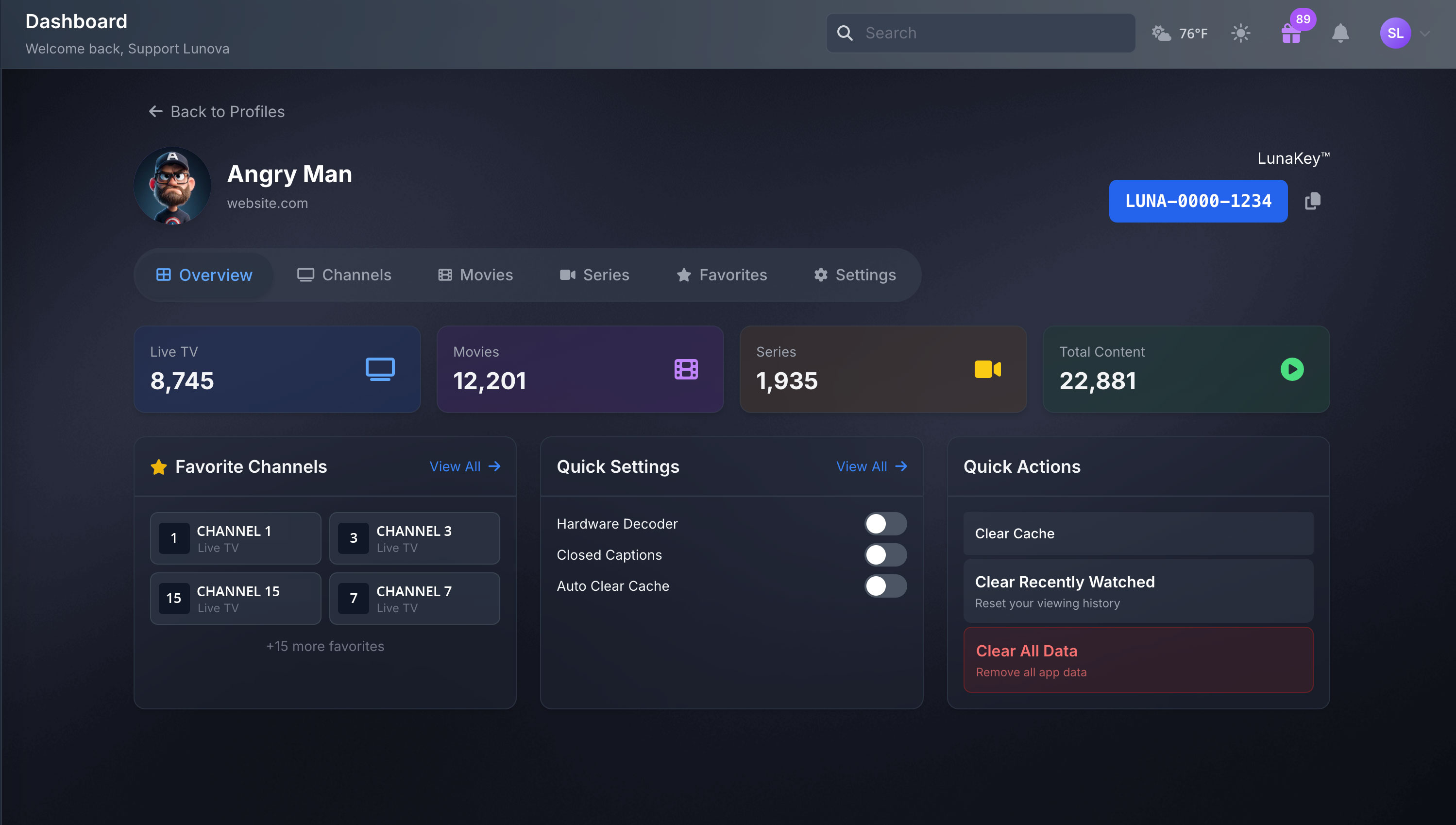
Lunova Dashboard, Manage Your Player From Anywhere (No App Login Needed)
The Lunova Dashboard brings the power of Lunova Player to your browser. From one clean, modern console you can add/remove favorites, set PINs for protected categories, purchase and manage LunaKeys™, create usernames & profiles, add playlists, and more. It’s fast, intuitive, and built for busy people who want control without digging through menus on the TV.